USB Drive Write-Protected? How to Fix It in Windows Without Installing Anything
Your USB stick or memory card stopped accepting files and refuses to format? Before throwing it away, learn to clear the read-only lock with Windows’ own built-in disk tool.
Before throwing the USB stick away:
- Check the physical switch first on SD cards, adapters and some USB sticks.
- diskpart clears the read-only flag with
attributes disk clear readonly. - Select the right disk by its size — choosing the wrong one affects your main drive.
- A Windows policy can also force read-only — the WriteProtect registry value.
- If the controller locked itself for wear, no command fixes it: copy the data and replace it.
- Introduction
- Why a USB Stick Becomes Write-Protected
- Check the Physical Switch
- Step by Step: Clearing the Lock With diskpart
- The Volume Can Also Be Read-Only
- The Windows WriteProtect Policy
- Recreating the Partition From Scratch
- When the USB Stick Really Is at the End of Its Life
- How to Make Your USB Stick Last Longer
- Common Errors and How to Fix Them
- Frequently Asked Questions
💾 Don’t Throw Your USB Stick Away Yet
You plug in the USB stick, try to copy a file and get “The disk is write-protected”. You try to format it and Windows refuses. Most people give up here and buy a new one — but in many cases the problem is just a read-only flag that can be cleared in two minutes with a tool that comes with Windows.
In this guide you’ll learn the diskpart method step by step, the other causes that produce the same message, and how to tell when the stick has really reached the end of its life.
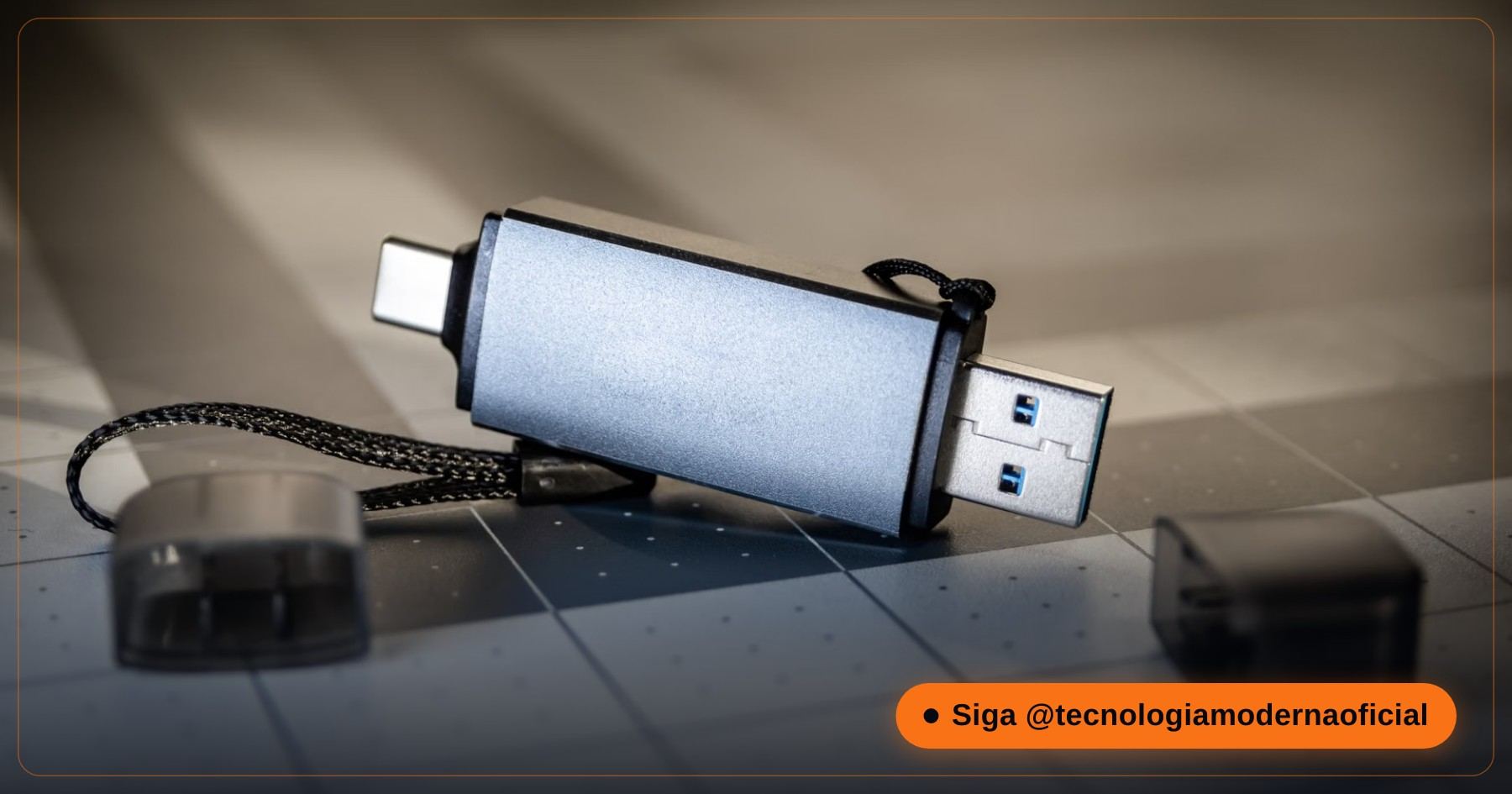
🔍 Why a USB Stick Becomes Write-Protected
| Cause | How to recognise it | Fix |
|---|---|---|
| Physical lock switch | SD cards and adapters (and a few USB sticks) have a small slider on the side | Slide it to the unlocked position |
| Read-only disk attribute | The stick is detected normally, but nothing can be written or formatted | diskpart (steps below) |
| Windows policy (registry) | Every removable drive on that PC is read-only, but works on another computer | Set WriteProtect to 0 |
| Company policy / BitLocker To Go | Work computers that only allow writing to encrypted USB drives | Talk to your IT department |
| Worn-out flash memory | The controller locks itself into read-only to protect the remaining data | Copy the data and replace the stick |
Testing the stick on another computer is the fastest way to tell the causes apart: if it works elsewhere, the problem is on your PC, not on the stick.
🔒 Check the Physical Switch
It sounds too simple, but it’s the most common cause with memory cards. SD cards and microSD-to-SD adapters have a small slider on the left side. Pushed down, towards the contacts, it means locked.
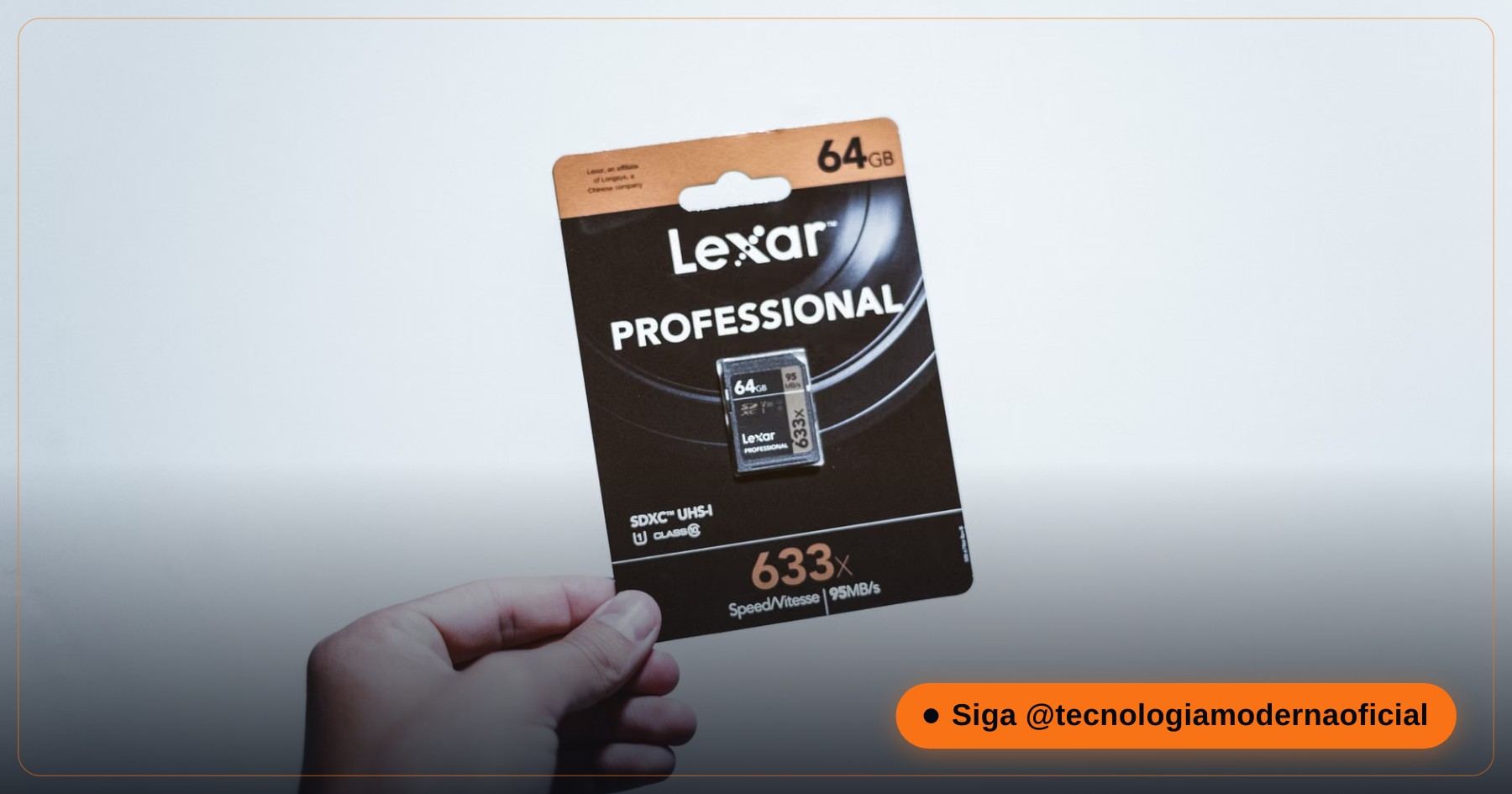
- Remove the card, slide the switch up (towards the notched edge) and insert it again.
- Adapters get loose with time: if the switch moves on its own when you insert it, use another adapter.
- Some USB sticks have a similar switch on the body — check the sides before moving on.
🛠️ Step by Step: Clearing the Lock With diskpart
1. Open the advanced terminal. Plug in the stick, open the Start menu, type cmd and choose Run as administrator. Elevated privileges are needed to act on the disk engine.
2. List the disks. Type the commands below, pressing Enter after each one:
diskpart
list disk
3. Select the USB stick. Find its number in the list by the size in GB. Be very careful not to pick your main hard drive or SSD — Disk 0 is usually the system disk. Replace X with the right number:
select disk X4. Clear the attribute. Now remove the flag that forces the hardware into read-only mode:
attributes disk clear readonlyThe terminal shows “Disk attributes cleared successfully”. Type exit, open File Explorer and try copying a file or formatting again.
🔁 The Volume Can Also Be Read-Only
Sometimes the flag sits on the volume (the partition) rather than on the disk. Still inside diskpart, with the stick selected:
list volume
select volume Y
attributes volume clear readonly
Replace Y with the volume number of the USB stick (look at the drive letter and the size). Then type exit and test again.
🧩 The Windows WriteProtect Policy
If every USB stick you plug into this PC is read-only — but they work on other computers — Windows itself may be forcing it through a registry value. Check it with this command in an administrator terminal:
reg query HKLM\SYSTEM\CurrentControlSet\Control\StorageDevicePolicies
If it shows WriteProtect with the value 0x1, set it back to zero and restart the PC:
reg add HKLM\SYSTEM\CurrentControlSet\Control\StorageDevicePolicies /v WriteProtect /t REG_DWORD /d 0 /fIf the command says the key doesn’t exist, this isn’t your cause — the policy was never set. On company computers, don’t change it: the restriction is probably intentional and managed by IT.
🧼 Recreating the Partition From Scratch
If the lock is gone but the stick still won’t format through File Explorer, you can recreate everything from zero. This erases everything on the stick — copy anything important first, if it’s still readable.
clean
create partition primary
format fs=exfat quick
assign
exFAT works on Windows, macOS, TVs and most devices, and accepts files larger than 4 GB. Use fs=fat32 only for very old devices, and fs=ntfs if the stick will be used only on Windows PCs.
🪦 When the USB Stick Really Is at the End of Its Life
Flash memory has a limited number of write cycles. When the cells wear out, many controllers deliberately switch the drive into permanent read-only mode — a protection so you can still copy your data. In that case no command, software or trick will bring back writing.
- Signs: the attribute clears “successfully” but comes back after reconnecting; clean fails with an I/O error; the capacity shows as 0 bytes or a strange size.
- What to do: copy everything that’s still readable right away and replace the stick.
- Files you already deleted: see how to recover deleted files without software.
- Drive showing as RAW: see what to do when a drive turns RAW.
Also be suspicious of very cheap high-capacity sticks: fake drives report, say, 2 TB while having much less real memory, and start failing as soon as you pass the real capacity.
🛡️ How to Make Your USB Stick Last Longer
- Always use “Safely Remove Hardware” / Eject: pulling the stick out mid-write is one of the main causes of corrupted file systems and flags that won’t go away.
- Don’t use it as your only copy: USB sticks are for carrying files, not for storing the single copy of something important. Keep a real backup elsewhere.
- Avoid heavy, constant writing: running programs, torrents or cameras recording 24/7 on cheap sticks wears the memory out quickly.
- Heat and humidity: don’t leave it in the car or near heat sources — flash memory ages faster at high temperatures.
- Buy from reliable brands and stores: it’s the best protection against fake capacity drives.
Following these habits, a good-quality USB stick can easily last many years of normal use.
🔧 Common Errors and How to Fix Them
| Message or symptom | What it means |
|---|---|
| “Access is denied” when opening diskpart | The terminal wasn’t opened as administrator. |
| “The media is write protected” during clean | The controller has locked the drive — usually wear. Copy the data and replace it. |
| The USB stick doesn’t appear in list disk | Try another port and cable, and check Disk Management. If it doesn’t appear anywhere, the fault is physical. |
| It works, but becomes read-only again later | A sign of worn memory — the controller keeps re-locking it. Replace it soon. |
| Write-protected only on one PC | Check the WriteProtect value in the registry or company policies on that PC. |
Did the stick come back to life? Put it to good use: it can become a official Windows 11 bootable USB for emergencies.
FAQ
Does attributes disk clear readonly erase my files?
No. It only removes the read-only flag. Files stay where they are — only the clean command or formatting erases data.
Do I need to install any program?
No. diskpart and reg come with Windows 10 and 11. Everything in this guide uses built-in tools.
Does this work on SD and microSD cards?
Yes, in a card reader. But check the physical switch on the card or adapter first — it’s the most common cause.
The lock came back after I unplugged the stick. Why?
Usually it’s the controller protecting worn-out memory. In that case the fix is copying the data and replacing the stick.
How do I avoid selecting the wrong disk in diskpart?
Compare the sizes in list disk, and after selecting type detail disk to see the model and size. Disk 0 is usually your system drive.
Which file system should I use when formatting the stick?
exFAT for general use and files over 4 GB; FAT32 only for very old devices; NTFS if it will be used only on Windows.
Can a virus make a USB stick write-protected?
It’s rare. Some malware changes the WriteProtect registry value, which is why it’s worth checking it. Run a full scan with Microsoft Defender if every removable drive suddenly became read-only.
Is it worth paying for a “USB repair” program?
Usually not. If diskpart can’t clear the flag, the controller has most likely locked the memory for wear — and no software can bring back writing in that case.
🎮 How much did you learn?
Once you pick an answer it locks in — reload the page to try again.
1. What should you check first on an SD card that became write-protected?
2. Which diskpart command removes the read-only flag from the disk?
3. How do you identify the USB stick in list disk?
4. What does the clean command do?
5. If the controller locked the stick because of wear, what should you do?
Esse conteúdo ajudou você?
Compartilha com alguém que também vai curtir — é rapidinho e ajuda muito o nosso trabalho a chegar em mais gente.
Conhecimento só tem valor quando compartilhado.
Manter essa estrutura de laboratórios funcionando e produzir conteúdos de engenharia de forma totalmente gratuita e acessível exige tempo e dedicação diária à bancada. Esse guia salvou os seus arquivos? Você pode contribuir diretamente para manter o nosso trabalho independente forte. Apoie doando qualquer valor!
Quer apoiar a nossa bancada independente?
[email protected]