How to Find Your Windows Product Key (Stored in the BIOS or Your Account) and Keep Your License When Reinstalling or Changing PCs
Did your laptop come with Windows? The key is stored on the motherboard. Bought a license? It may be linked to your Microsoft account. Here are the commands to find it, your license type, how to reactivate after swapping parts and why $5 keys and activators are a trap.
In short:
- Laptop or brand-name PC with factory Windows: the key is stored in the BIOS and Windows activates by itself after reinstalling.
- See the BIOS key:
(Get-CimInstance SoftwareLicensingService).OA3xOriginalProductKey. - See whether it’s activated and the license type:
slmgr /xprandslmgr /dli. - Replaced the motherboard? Use the activation troubleshooter with your linked Microsoft account.
- $5 keys and pirate activators: risk of blocking, scams and malware.
- Introduction
- License Types and What Each Allows
- See the Key Stored in the BIOS (Laptops and Brand-Name PCs)
- Check Whether Windows Is Activated
- Link the License to Your Microsoft Account
- Reactivating After Replacing the Motherboard
- Reinstall Without Losing Activation
- $5 Keys and Activators: Why to Avoid Them
- Where to Buy a Legitimate License
- Upgraded from Windows 10 to 11? The License Came Along
- What to Write Down and Keep About Your License
- Selling the Computer: Does the License Go with It?
- What Happens with Unactivated Windows
- Most Common Activation Errors
- Frequently Asked Questions
🔑 Product Key, Digital License and Activation: What’s the Difference
In the past, Windows came with a sticker on the case holding a 25-character key. Today it’s different: on most computers the license is digital — it’s registered on Microsoft’s servers, tied to your PC’s hardware (and, if you want, to your Microsoft account). When you reinstall, Windows recognizes the machine and activates itself, without asking for any key.

| Term | What it is |
|---|---|
| Product key | A 25-character code (XXXXX-XXXXX-XXXXX-XXXXX-XXXXX) |
| Digital license | A right to use Windows registered by Microsoft, tied to the hardware and/or your account |
| Activation | The process where Windows confirms with Microsoft that the license is valid |
🏷️ License Types and What Each Allows
| Type | How you got it | Can it move to another PC? |
|---|---|---|
| OEM (factory) | Came with the laptop or brand-name PC | ❌ No — it belongs to the computer |
| Retail | You bought the license separately (box or official store) | ✅ Yes, one PC at a time |
| Upgrade digital license | You upgraded for free from Windows 10 to 11 | Follows the rules of the original license |
| Volume / KMS | Company or school PC | ❌ It belongs to the organization |
Find your type with this command (the Description column reveals the channel: OEM, RETAIL or VOLUME):
Get-CimInstance SoftwareLicensingProduct -Filter "Name like 'Windows%'" | Where-Object PartialProductKey | Select-Object Name, Description, LicenseStatus, PartialProductKeyIf LicenseStatus is 1, Windows is licensed. PartialProductKey shows the last 5 characters of the key in use.
💾 See the Key Stored in the BIOS (Laptops and Brand-Name PCs)
Computers sold with Windows since the Windows 8 era have the key stored on a motherboard chip. To see it:
(Get-CimInstance -ClassName SoftwareLicensingService).OA3xOriginalProductKey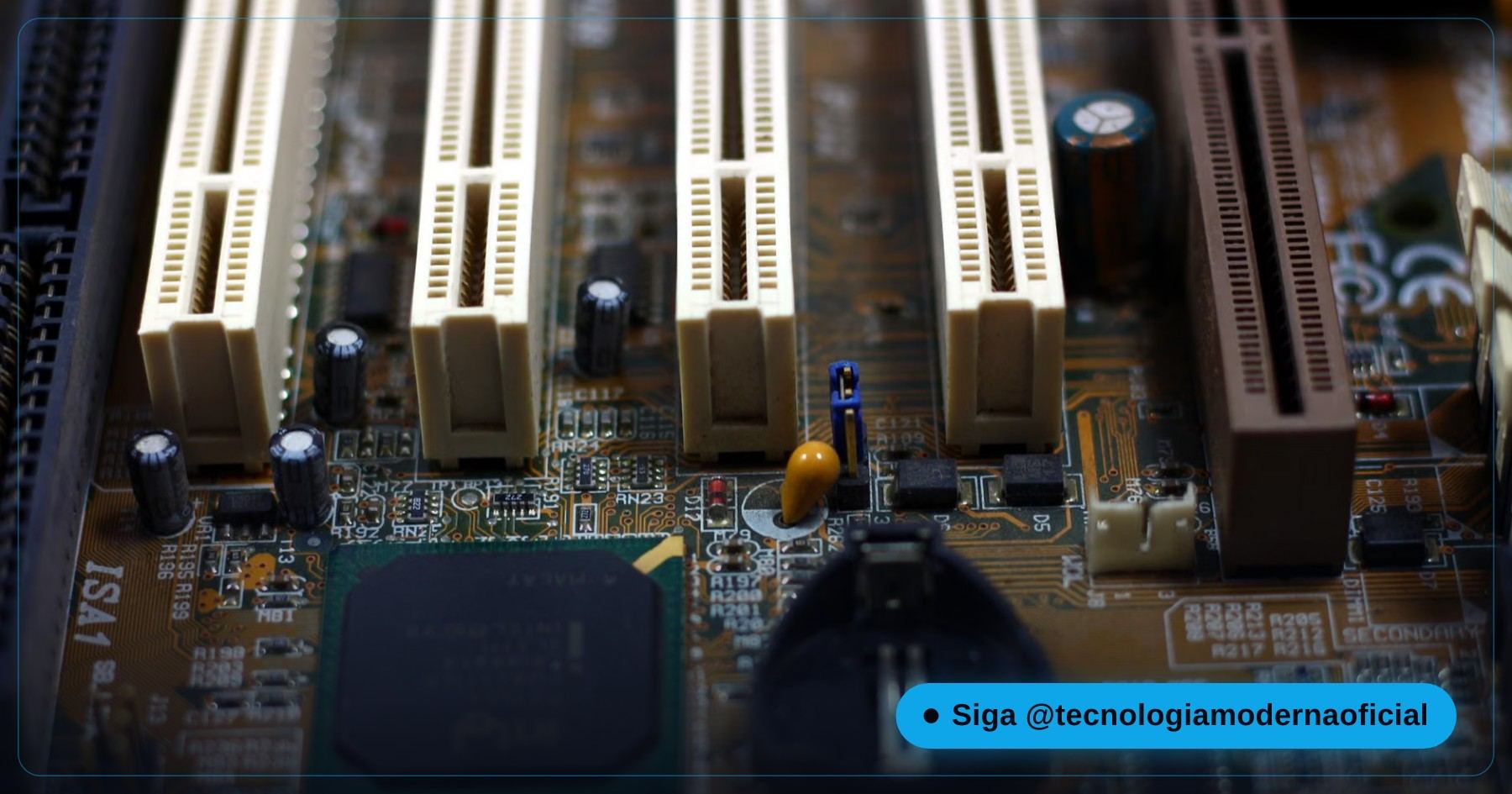
| Result | What it means |
|---|---|
| A 25-character key appears | ✅ Your PC has a factory license — reinstalling the same edition, it activates by itself |
| A blank line | A custom-built PC, a separately purchased license, or a digital license with no stored key |
On older Windows versions, the same result came from wmic path softwarelicensingservice get OA3xOriginalProductKey — but wmic was removed by default in recent Windows 11, so use the PowerShell command instead.
✅ Check Whether Windows Is Activated
From the menu: Settings → System → Activation. The ideal message is “Windows is activated with a digital license linked to your Microsoft account”.
From the terminal:
slmgr /xpr
slmgr /dli
| slmgr /xpr message | Meaning |
|---|---|
| “The machine is permanently activated” | ✅ Valid license (retail, OEM or digital) |
| “Volume activation will expire…” | A company license (KMS) — normal on a corporate PC; suspicious on a home PC |
| “Notification mode” or an error | ❌ Not activated |
🔗 Link the License to Your Microsoft Account
Linking the digital license to your Microsoft account is what saves you when you replace the motherboard. If you use Windows with a Microsoft account and you’re an administrator, the link is usually automatic. Check under Settings → System → Activation: it should say “linked to your Microsoft account”.
If it only says “activated with a digital license”, sign in with your Microsoft account under Settings → Accounts → Your info → Sign in with a Microsoft account instead. You can switch back to a local account afterwards if you prefer — the license link remains.
🔧 Reactivating After Replacing the Motherboard
Swapping the SSD, memory or graphics card doesn’t affect activation. The motherboard, however, is the computer’s “ID card” for Microsoft: replacing it makes Windows think it’s a different machine. If the license is retail or digital and linked to your account:
- Open Settings → System → Activation.
- Click Troubleshoot.
- Choose I changed hardware on this device recently.
- Sign in with the linked Microsoft account.
- Select the device you’re using and confirm with Activate.
| License type | After replacing the motherboard |
|---|---|
| Retail or upgrade digital license linked to the account | ✅ Usually reactivates via the troubleshooter |
| Factory OEM | ❌ Generally doesn’t transfer, unless the manufacturer replaces the board under warranty |
💿 Reinstall Without Losing Activation
- Check your current edition (Home or Pro) under Settings → System → About.
- During setup, when asked for a key, click I don’t have a product key.
- Choose the same edition you had.
- After installing and connecting to the internet, Windows activates by itself within a few minutes.
The full reinstall walkthrough is in how to format and install Windows safely, the install USB in Windows 11 install USB, the official way, and what to install afterwards in after formatting: what to install.
🚩 $5 Keys and Activators: Why to Avoid Them

| Option | Problem |
|---|---|
| Very cheap keys on marketplaces | Many are resold volume keys or obtained irregularly; they can be blocked and you lose your money |
| Activators (pirate KMS, “one-click activator”) | They tamper with sensitive parts of the system; a common entry point for malware and crypto miners |
| Scripts copied from videos | Running unknown commands as administrator hands over control of your PC |
If you’ve already run an activator, check the PC didn’t get any surprises: see how to find spyware by its connections.
🛒 Where to Buy a Legitimate License
If your PC was custom-built and never had Windows, or the license belonged to a company, the legitimate route is buying a real license:
| Where | Advantage | Note |
|---|---|---|
| Microsoft Store (inside Windows or on the official site) | Digital license tied to your account, activates instantly | Full price, but zero risk |
| Major retailers with a receipt | Transferable retail license | Check that it’s a retail/FPP license and comes with a receipt |
| Bundled with the PC | Factory-installed OEM license | Cheaper, but tied to that computer |
⬆️ Upgraded from Windows 10 to 11? The License Came Along
If you had an activated Windows 10 and took the free upgrade to Windows 11, you got a Windows 11 digital license in the same edition (Home stays Home, Pro stays Pro). No need to buy anything or type a key. If your PC isn’t compatible with Windows 11 and Windows 10 is already out of support, see the options in Windows 10 end of support: what to do.
🗂️ What to Write Down and Keep About Your License
- The Windows edition (Home or Pro).
- The BIOS key, if there is one (OA3xOriginalProductKey command).
- The last 5 characters of the key in use (slmgr /dli).
- The Microsoft account the license is linked to.
- The receipt for the license or the computer.
Keep this in a password manager or a cloud documents folder — never only on the PC itself, which is exactly what might fail.
💸 Selling the Computer: Does the License Go with It?
| License type | When selling the PC |
|---|---|
| Factory OEM | Goes with the computer — the buyer reinstalls and activates normally |
| Retail linked to your account | If you want to take it to your new PC, remove the device from your Microsoft account first and use the license on the new computer |
| Company license | Can’t go along: it belongs to the organization |
Before handing over the computer, sign out of your Microsoft account and wipe the data properly — see how to truly wipe an SSD or hard drive.
🤷 What Happens with Unactivated Windows
| Works | Doesn’t work |
|---|---|
| Programs, internet and files | Personalization (wallpaper, colors, themes) |
| Security updates | Removing the “Activate Windows” watermark |
| Microsoft Defender | Some persistent activation reminders |
In other words: it’s usable, but the right fix is activating with a legitimate license.
🛠️ Most Common Activation Errors
| Error | Likely cause | What to do |
|---|---|---|
| 0xC004F213 | No license found for this hardware | Activation troubleshooter with the linked account |
| 0xC004C003 | Blocked or invalid key | The key isn’t legitimate or has been overused |
| 0x803F7001 | No valid license for this edition | Check that you installed the same edition (Home/Pro) you had |
| Asks for a key after reinstalling | No internet or wrong edition | Connect to the internet and wait; check the edition |
Exact codes can vary; in any case, the activation troubleshooter is the first step.
FAQ
How do I see the Windows key stored in the BIOS?
In PowerShell, run (Get-CimInstance -ClassName SoftwareLicensingService).OA3xOriginalProductKey. If a key appears, your PC has a factory license.
Do I need the key to reinstall?
Usually not. On PCs with a digital or factory license, just reinstall the same edition and connect to the internet for Windows to activate itself.
How do I know if my Windows is activated?
Check Settings, System, Activation, or run slmgr /xpr. The ideal message says the machine is permanently activated.
I replaced the motherboard. Did I lose the license?
If the license is retail or digital and linked to your Microsoft account, you can reactivate via Troubleshoot, option I changed hardware. Factory OEM licenses generally don’t transfer.
Can I move my laptop’s license to another PC?
If it came from the factory (OEM), no. Retail licenses can be transferred, as long as they’re used on one PC at a time.
Is buying a cheap key online worth it?
It’s not recommended. Many are irregular resales and can be blocked, and you lose your money.
Are pirate activators dangerous?
Yes. They modify sensitive parts of the system and are a frequent entry point for malware.
Does unactivated Windows get updates?
It gets security updates, but shows the watermark and blocks personalization.
🎮 How much did you learn?
Once you pick an answer it locks in — reload the page to try again.
1. Where is the key on laptops that came with Windows?
2. Which command shows whether Windows is permanently activated?
3. Which replaced part requires reactivation?
4. Can an OEM license move to another PC?
5. Why avoid pirate activators?
Esse conteúdo ajudou você?
Compartilha com alguém que também vai curtir — é rapidinho e ajuda muito o nosso trabalho a chegar em mais gente.
Conhecimento só tem valor quando compartilhado.
Manter essa estrutura de laboratórios funcionando e produzir conteúdos de engenharia de forma totalmente gratuita e acessível exige tempo e dedicação diária à bancada. Esse guia salvou os seus arquivos? Você pode contribuir diretamente para manter o nosso trabalho independente forte. Apoie doando qualquer valor!
Quer apoiar a nossa bancada independente?
[email protected]