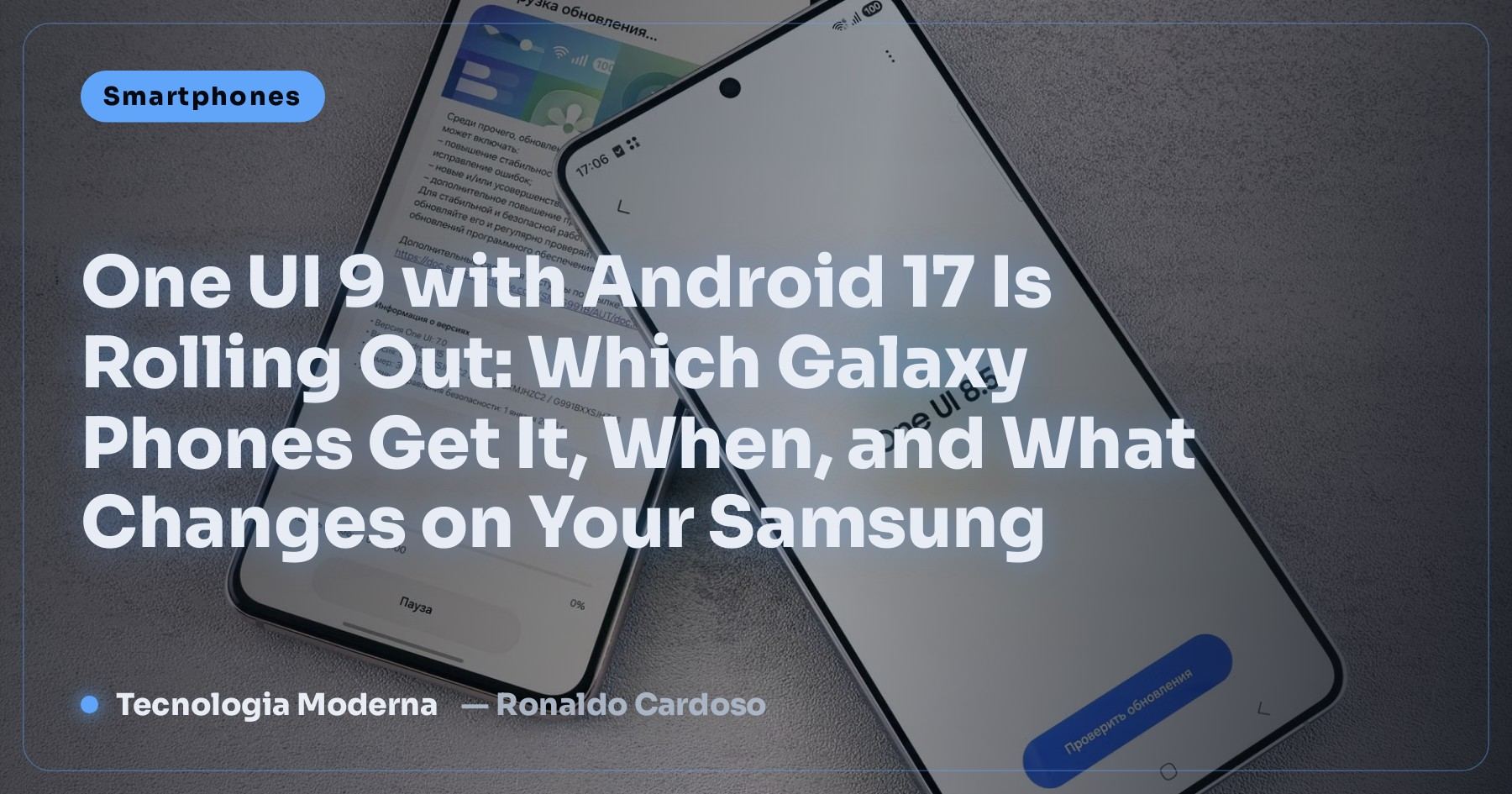
One UI 9 with Android 17 Is Rolling Out: Which Galaxy Phones Get It, When, and What Changes on Your Samsung
Samsung released the stable One UI 9 for the Galaxy S26 line and is preparing the expansion to the S25, Z Fold 7, Z Flip 7 and several Galaxy A models. See the list, the schedule, what’s new and the step by step to update without losing anything.
Straight to the point:
- What it is: One UI 9 is Samsung’s new interface, based on Android 17.
- It started on September 16, 2026 with the Galaxy S26 line (S26, S26+ and S26 Ultra).
- Next in line: Galaxy S25, Z Fold 7 and Z Flip 7 (expected from September 28, subject to delay), then the S24, S23, 2024 foldables and several Galaxy A models.
- What’s new: a more customizable Quick Panel, better DeX with multiple monitors, the “Tape” feature in Samsung Notes and more Game Booster options.
- In your country: dates vary — updates usually reach each region a few weeks after South Korea.
- Introduction
- Galaxy Phones Getting One UI 9
- The Main New Features in One UI 9
- Schedule: When Will It Reach My Phone?
- How to Update Your Galaxy to One UI 9 Safely
- The Update Hasn’t Appeared: Now What?
- After the Update: 5 Adjustments Worth Making
- Common Problems After Updating (and How to Fix Them)
- How Long Your Galaxy Gets Updates
- Is It Worth Updating on Day One?
- Quick Glossary
- Sources
- Frequently Asked Questions
📱 One UI 9: Samsung Has Started the Rollout
On September 16, 2026, Samsung began distributing the stable version (the final one, not the beta) of One UI 9, the Galaxy interface based on Android 17. As always, the latest flagships came first: the Galaxy S26, S26+ and S26 Ultra, starting in South Korea.
The expansion to other models is under way, with a few stumbles: the initial date for the next wave was already pushed back once, and Samsung removed the exact date from a regional press release. Nothing unusual — it happens when the company finds last-minute bugs — but it’s good to know so you don’t get frustrated waiting for the notification.
✅ Galaxy Phones Getting One UI 9
The models below took part in the beta program or are on the official schedule published by Samsung and the specialist press:
| Line | Models | Status |
|---|---|---|
| Galaxy S | S26, S26+, S26 Ultra | ✅ Rolling out since 09/16 |
| Galaxy S | S25, S25+, S25 Ultra | ⏳ Next wave (expected from 09/28, subject to change) |
| 2025 foldables | Galaxy Z Fold 7 and Z Flip 7 | ⏳ Same wave as the S25 |
| Earlier Galaxy S | S24 and S23 (including the S23 FE) | ⏳ In the following weeks; S23 FE expected in October |
| 2024 foldables | Galaxy Z Fold 6 and Z Flip 6 | ⏳ In the following weeks |
| Galaxy A | A25, A35, A36, A37, A55, A56, A57 | ⏳ After the flagships |
Other models (tablets, Galaxy M and F, older lines) usually join later, in separate announcements. If your phone isn’t here, it doesn’t mean it’s been left out — just that there’s no confirmation yet.
✨ The Main New Features in One UI 9
| Feature | What it does in practice |
|---|---|
| More customizable Quick Panel | More freedom to arrange the Wi-Fi, flashlight, Bluetooth and shortcut buttons the way you use them |
| Improved DeX | Better support for multiple monitors and windows, to use your phone as a “computer” on your desk |
| “Tape” in Samsung Notes | A new organization tool inside your notes, useful for study and work |
| More Game Booster options | More performance and notification controls while gaming |
| Android 17 base | Privacy, security and performance improvements from Android itself |
I covered the Android 17 features that sit “underneath” One UI in Android 17: what’s new. Some features may vary by model and region — what reaches an S26 Ultra doesn’t always reach a Galaxy A.
🗓️ Schedule: When Will It Reach My Phone?
| Date | What happened / expected |
|---|---|
| 09/16/2026 | Stable One UI 9 starts on the Galaxy S26 line, beginning in South Korea |
| Initial target of 09/21 | Expansion date that didn’t happen |
| From 09/28 (expected) | Galaxy S25, Z Fold 7 and Z Flip 7 — Samsung removed the exact date from one announcement, so it may slip |
| October | Galaxy S23 FE and other earlier-generation models |
And in your country? Samsung releases by region and by carrier. Updates usually reach Europe, the Americas and other markets a few weeks after South Korea, and carrier-locked phones can take a bit longer than unlocked ones.
🔧 How to Update Your Galaxy to One UI 9 Safely
- Back up first: photos to Google Photos or Samsung Cloud, and WhatsApp chats with the app’s own backup.
- Charge the battery above 50% (better still: leave it on the charger).
- Free up space: the update usually needs a few GB free.
- Connect to Wi-Fi — it’s a big download.
- Go to Settings → Software update → Download and install.
- When the download finishes, tap Install now and don’t turn off the phone during the process.
Backing up chats has its own details; the full step by step is in WhatsApp backup without losing chats.
⏳ The Update Hasn’t Appeared: Now What?
| Situation | What to do |
|---|---|
| Your model isn’t in the current wave | Wait: distribution goes by model, country and batch of devices |
| Carrier phone | It can take a few days longer than an unlocked one; that’s normal |
| It says “Your software is up to date” | Check again in 1 or 2 days; forcing it doesn’t help |
| You were in the beta | You usually get the final version earlier, straight over the beta |
| An old phone not on the list | It may not get it; keep installing security updates while they come |
🧹 After the Update: 5 Adjustments Worth Making
- Restart once more after installing and leave the phone charging for a few hours: in the first days the system reorganizes apps and battery life may seem worse — it usually passes.
- Rearrange the Quick Panel with the shortcuts you use most.
- Review app permissions in Settings → Security and privacy.
- Update your apps in the Play Store and Galaxy Store.
- If something acts up (apps closing, freezes), clear the problematic app’s cache before thinking about resetting the phone — I explain when that helps in does clearing the cache make your phone faster?.
🛠️ Common Problems After Updating (and How to Fix Them)
| Problem | Likely cause | Fix |
|---|---|---|
| Phone running hot in the first days | App optimization and indexing in the background | Wait 2 or 3 days; if it doesn’t settle, see why phones get too hot |
| One specific app closing by itself | The app isn’t adapted to Android 17 yet | Update the app; if it persists, clear its cache in Settings → Apps |
| Unstable Wi-Fi or Bluetooth | Old settings conflicting | Settings → General management → Reset → Reset network settings (erases saved Wi-Fi passwords) |
| Delayed notifications | More aggressive battery saving | Remove the app from the sleeping apps list in Settings → Battery |
| Stuck on the Samsung logo during installation | The update failed to write | Wait at least 30 minutes; if it doesn’t move, go to an authorized service center before trying any firmware “tutorial” |
🗂️ How Long Your Galaxy Gets Updates
Since the Galaxy S24 line, Samsung promises up to 7 years of OS and security updates for its flagships. Older and mid-range models have shorter windows, which vary by line. In practice:
- A recent flagship (S24 onwards and equivalent foldables): will get several future One UI versions.
- Recent Galaxy A models: usually have a good support window, but get new versions after the flagships.
- Models more than 4 or 5 years old: probably left out of One UI 9 — and then security care doubles, as I explain in old phones losing WhatsApp.
You can check the date of your last security update under Settings → About phone → Software information: if it’s several months behind, the device is leaving its support cycle.
🤔 Is It Worth Updating on Day One?
| Your profile | Recommendation |
|---|---|
| You like new things and your backup is current | Update as soon as it appears |
| You use the phone for work and can’t afford surprises | Wait 1 to 2 weeks and follow reports of problems on your model |
| You use very specific banking or company apps | Wait for those apps to confirm Android 17 compatibility |
| A phone with little space and a weak battery | Free up space first and update with the phone on the charger |
Either way, don’t skip updating for months: system updates bring important security fixes against scams and break-ins.
📖 Quick Glossary
| Term | Meaning |
|---|---|
| One UI | The look and features Samsung puts on top of Android on Galaxy phones |
| Stable version | The final version, for everyone — unlike the beta, which is for testing |
| Beta | A test version released early so volunteers can find bugs |
| Rollout | Staged release, by model and country, so a bug doesn’t hit everyone at once |
| DeX | A mode that turns the Galaxy into a computer-like environment with a monitor, keyboard and mouse |
| Firmware | The device’s system software; it should only be installed through official channels |
📚 Sources
The information in this article was checked against these sources (links open in a new window):
- Samsung Newsroom — official One UI 9 rollout
- SamMobile — device list and new features
- Notebookcheck — dates for older models
- Sammy Fans — change to the expansion date
If there’s official news, this article will be updated.
FAQ
When did One UI 9 start rolling out?
On September 16, 2026, with the Galaxy S26 line (S26, S26+ and S26 Ultra), starting in South Korea.
Will my Galaxy S25 get One UI 9?
Yes. The S25 line, along with the Galaxy Z Fold 7 and Z Flip 7, is in the next wave, expected from September 28, 2026 — a date that may still change.
Which Galaxy A phones will get One UI 9?
The models confirmed in the beta program include the A25, A35, A36, A37, A55, A56 and A57. They usually get it after the flagships.
When will One UI 9 reach my country?
Dates vary by region and carrier. Updates usually arrive a few weeks after South Korea, and carrier phones can take a bit longer.
How do I update to One UI 9?
Back up, charge the battery, connect to Wi-Fi and go to Settings, Software update, Download and install. Never install an update from a link received in a message.
Will I lose my data when updating?
Usually not: the update keeps photos, apps and accounts. Still, back up first, because any failure during installation may require resetting the device.
Battery life got worse after the update. Is that normal?
In the first days, yes: the system reorganizes and optimizes apps in the background. If it’s still bad after a week, look into the apps using the most battery.
Is there a way to get the update early?
Not safely. Sites promising to unlock One UI 9 early or selling firmware can brick or infect the phone. Wait for the official notification.
🎮 How much did you learn?
Once you pick an answer it locks in — reload the page to try again.
1. Which Android version is One UI 9 based on?
2. Which line got One UI 9 first?
3. What’s the official path to update?
4. What is DeX?
5. What should you do before updating?
Esse conteúdo ajudou você?
Compartilha com alguém que também vai curtir — é rapidinho e ajuda muito o nosso trabalho a chegar em mais gente.
Conhecimento só tem valor quando compartilhado.
Manter essa estrutura de laboratórios funcionando e produzir conteúdos de engenharia de forma totalmente gratuita e acessível exige tempo e dedicação diária à bancada. Esse guia salvou os seus arquivos? Você pode contribuir diretamente para manter o nosso trabalho independente forte. Apoie doando qualquer valor!
Quer apoiar a nossa bancada independente?
[email protected]