Is Your Windows Really Up to Date? 6 Checks Windows Update Doesn’t Show You
“You’re up to date” isn’t always the whole story. Check your Windows version, its end-of-support date, the fixes actually installed, Defender protection, drivers, apps and even the BIOS — with ready-to-copy commands.
The 6 checks, in order:
- Version and support date:
winver— Windows 11 24H2 Home and Pro only get fixes until October 13, 2026. - Installed fixes:
Get-HotFixshows the date of the last real update. - Antivirus protection:
Get-MpComputerStatusshows whether Defender’s definitions are current. - Drivers and “optional updates”: they hide on a separate Windows Update screen.
- Apps and BIOS:
winget upgradelists outdated apps; on most PCs the BIOS doesn’t update itself.
- Introduction
- Which Windows You Have — and Until When It Gets Fixes
- When Was the Last Real Fix Installed
- Is the Antivirus Getting Definitions?
- Drivers and the Hidden “Optional Updates”
- Outdated Programs and Apps
- BIOS/UEFI: the Part Almost Nobody Updates
- 5-Minute Monthly Checklist
- All-in-One Report: the 6 Checks in One Block
- Configure Windows Update So It Doesn’t Catch You Off Guard
- Windows Update Stuck: What to Do
- Myths About Updating Windows
- Frequently Asked Questions
🔍 “You’re Up to Date” Doesn’t Mean Everything Is Up to Date
Windows Update’s green message only means there are no pending updates for the version you’re running. It won’t tell you that this version is close to end of support, that your antivirus stopped downloading definitions, that a driver is waiting on a hidden screen, or that the program you use most is three versions behind.
And updating isn’t fussiness: most attacks exploit flaws that have already been fixed but remain open on computers that never got the fix. Every month Microsoft releases a security package on the second Tuesday (the famous “Patch Tuesday”) — in September 2026 it was a record package, as I reported in September’s record Patch Tuesday.
🪟 Which Windows You Have — and Until When It Gets Fixes
Press Win + R, type winver and hit Enter. The window shows the version (like 24H2 or 25H2) and the build. From the terminal you can see everything at once:
Get-ComputerInfo -Property OsName, OsDisplayVersion, OsBuildNumberEvery Windows version has an expiry date. After it, Windows Update simply stops sending security fixes for it:
| Version | Home and Pro editions | Status |
|---|---|---|
| Windows 10 (22H2) | Free support ended on 10/14/2025 | Only with the Extended Security Updates (ESU) program, which runs until 10/13/2026 for consumers |
| Windows 11 23H2 | Ended in November 2025 | ⚠️ No fixes — update |
| Windows 11 24H2 | Until 10/13/2026 | ⚠️ Move to the newest version before that date |
| Windows 11 25H2 or newer | Supported | ✅ Up to date |
If you’re still on Windows 10, your options are in Windows 10 end of support: what to do. To move up a version on Windows 11, go to Settings → Windows Update and look for the “feature update” offer.
🩹 When Was the Last Real Fix Installed
The Windows Update screen says “Last checked: today”, but checking isn’t installing. This command lists the fixes actually installed, newest first:
Get-HotFix | Sort-Object InstalledOn -Descending | Select-Object -First 10 HotFixID, Description, InstalledOn
| What you see | What it means |
|---|---|
| Latest date less than 5 weeks ago | ✅ Getting the monthly updates normally |
| Latest date 2 or 3 months ago | ⚠️ Something is blocking Windows Update |
| Latest date 6 months ago or more | ❌ Unsupported version or broken Windows Update |
You can also use the menu: Settings → Windows Update → Update history. If you see several failures in a row with the same code, the SFC and DISM repair usually fixes it.
🛡️ Is the Antivirus Getting Definitions?
Microsoft Defender updates its “vaccines” (threat definitions) several times a day. If that stopped, it still shows as on, but it only protects against old threats. Check:
Get-MpComputerStatus | Select-Object AntivirusEnabled, RealTimeProtectionEnabled, AntivirusSignatureLastUpdated, AMProductVersion
| Field | What should appear |
|---|---|
| AntivirusEnabled | True |
| RealTimeProtectionEnabled | True (real-time protection on) |
| AntivirusSignatureLastUpdated | Today’s or yesterday’s date |
If the date is old, force an update:
Update-MpSignature🧩 Drivers and the Hidden “Optional Updates”
Many graphics, Wi-Fi, audio and chipset drivers aren’t installed automatically: they wait on a screen almost nobody opens.
- Open Settings → Windows Update → Advanced options.
- Click Optional updates.
- Open Driver updates and see what’s listed.
| Driver type | Worth installing? |
|---|---|
| Graphics card (NVIDIA, AMD, Intel) | Yes, but preferably from the manufacturer’s site or app, which has the newest version |
| Wi-Fi, Bluetooth and chipset | Yes, especially if you have dropouts or glitches |
| Old printer or peripheral drivers | Only if the device has a problem |
The full step by step, with no paid programs and no shady sites, is in installing Windows drivers without paid programs. And before changing anything, save a copy of your current drivers with a pnputil driver backup.
📦 Outdated Programs and Apps
Windows Update doesn’t update your browser, PDF reader, archiver, Java or your printer software. And that’s exactly how many attacks get in. winget, already built into Windows, lists everything with a newer version:
winget upgradeTo update everything at once:
winget upgrade --allDon’t forget Store apps: Microsoft Store → Library → Get updates. The full winget guide, with every command option, is in winget: update every program with 1 command.
💾 BIOS/UEFI: the Part Almost Nobody Updates
The BIOS is the motherboard’s software, and it also gets security and compatibility fixes. On most custom-built PCs it does not update itself. See the version and date:
Get-CimInstance Win32_BIOS | Select-Object Manufacturer, SMBIOSBIOSVersion, ReleaseDate
Get-CimInstance Win32_BaseBoard | Select-Object Manufacturer, Product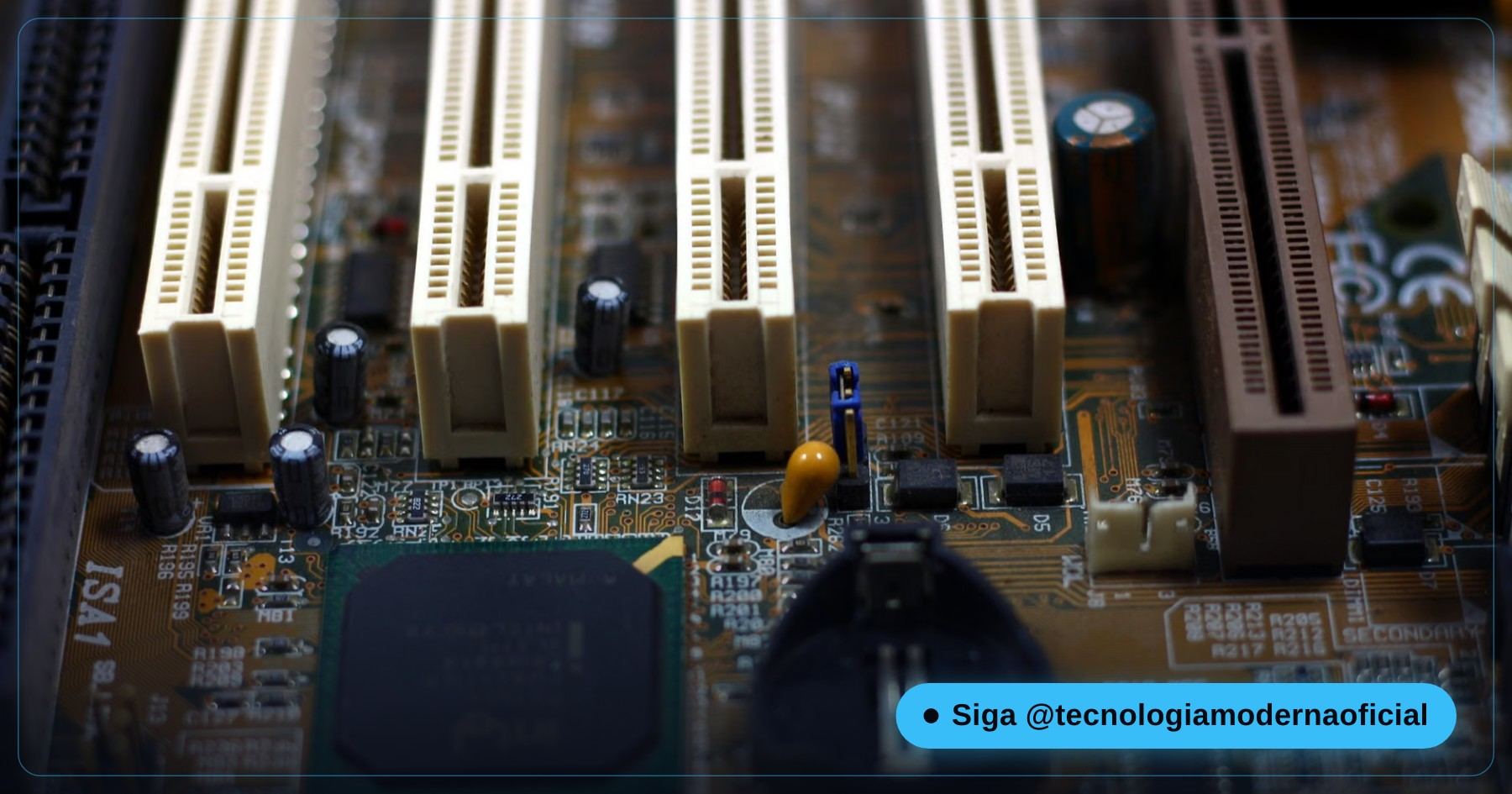
With the motherboard (or laptop) model in hand, compare against the latest version on the manufacturer’s site. There’s no need to update the BIOS for any little reason — but if yours is more than 3 years old and newer versions include security fixes, it’s worth planning calmly, with stable power. The full safe procedure is in how to update the BIOS safely.
✅ 5-Minute Monthly Checklist
| Item | How to check | How often |
|---|---|---|
| Windows version and support date | winver | Every 6 months |
| Last installed fix | Get-HotFix | Every month, after the 2nd Tuesday |
| Defender definitions | Get-MpComputerStatus | Every month |
| Optional driver updates | Windows Update → Advanced options | Every 2 months |
| Programs and apps | winget upgrade | Every month |
| BIOS | Get-CimInstance Win32_BIOS | Once a year |
Before any big update, especially a new Windows version, make a full Windows backup.
⚡ All-in-One Report: the 6 Checks in One Block
If you’d rather run everything at once, paste the block below into PowerShell. It only reads information and shows a summary on screen:
Get-ComputerInfo -Property OsName, OsDisplayVersion, OsBuildNumber
Get-HotFix | Sort-Object InstalledOn -Descending | Select-Object -First 3 HotFixID, InstalledOn
Get-MpComputerStatus | Select-Object RealTimeProtectionEnabled, AntivirusSignatureLastUpdated
Get-CimInstance Win32_BIOS | Select-Object SMBIOSBIOSVersion, ReleaseDate
winget upgrade
Take a screenshot of the result (Win + Shift + S) and keep it: next month, just compare to see if everything moved forward.
⚙️ Configure Windows Update So It Doesn’t Catch You Off Guard
| Setting | Where | Why adjust it |
|---|---|---|
| Active hours | Windows Update → Advanced options → Active hours | Stops the PC from restarting in the middle of your work |
| Get the latest updates as soon as they’re available | Main Windows Update screen | Gets new features earlier, in waves; leave it off if you prefer maximum stability |
| Notify me when a restart is required | Windows Update → Advanced options | You’ll know when a fix is only waiting for a restart |
| Pause updates | Main Windows Update screen | Useful for 1 or 2 weeks during a trip or exam — never for months |
🛠️ Windows Update Stuck: What to Do
| Symptom | What to try |
|---|---|
| Stuck at “Downloading 0%” forever | Restart the PC and run the troubleshooter: Settings → System → Troubleshoot → Other troubleshooters → Windows Update |
| The same error every time (e.g. 0x800f0922) | Run DISM and SFC; make sure there are at least 20 GB free on drive C: |
| “This PC doesn’t meet the requirements” for the new version | Your PC may not be compatible — see the options in the Windows 11 install USB guide |
| It installs and then rolls back on restart | Temporarily disable third-party antivirus and try again |
DISM /Online /Cleanup-Image /RestoreHealth
sfc /scannow🤔 Myths About Updating Windows
| Myth | Truth |
|---|---|
| “Updates make the PC slow” | Occasionally there’s a one-off bug, but overall fixes also improve performance and stability |
| “Turning off Windows Update makes it safer” | The opposite: you keep known flaws open |
| “A good antivirus means I don’t need updates” | Antivirus doesn’t close system flaws; only updates do |
| “Pirated Windows updates the same way” | Many piracy activators bring malware and block updates |
FAQ
How do I know which Windows version I have?
Press Win + R, type winver and press Enter. The window shows the version (like 24H2 or 25H2) and the build number.
Until when does Windows 11 24H2 get updates?
On Home and Pro editions, until October 13, 2026. After that you need to move to a newer version to keep getting security fixes.
Does Windows Update update drivers?
Some, yes, but many stay in Optional updates, inside Windows Update’s Advanced options, and are only installed if you choose them.
Does Windows Update update my programs?
No. Browsers, PDF readers and other programs have their own updates. The winget upgrade command shows what’s outdated.
How do I know if Defender is up to date?
Run Get-MpComputerStatus in PowerShell and check the AntivirusSignatureLastUpdated field. The date should be today or yesterday.
Do I need to update the BIOS?
Not often. It’s worth it for a security fix, support for a new part or a fix for a problem you have, always with stable power.
How often does Microsoft release fixes?
Every month on the second Tuesday, plus urgent fixes when a serious flaw is being exploited.
Do these commands change anything on the PC?
No. Get-ComputerInfo, Get-HotFix, Get-MpComputerStatus, winget upgrade and Get-CimInstance only read information. The only ones that change something are Update-MpSignature and winget upgrade –all, which install updates.
🎮 How much did you learn?
Once you pick an answer it locks in — reload the page to try again.
1. Which command opens the window with the Windows version?
2. Until when does Windows 11 24H2 Home/Pro get fixes?
3. Where do many drivers that don’t install automatically wait?
4. Which command lists outdated programs?
5. Which item has real risk if the power goes out midway?
Esse conteúdo ajudou você?
Compartilha com alguém que também vai curtir — é rapidinho e ajuda muito o nosso trabalho a chegar em mais gente.
Conhecimento só tem valor quando compartilhado.
Manter essa estrutura de laboratórios funcionando e produzir conteúdos de engenharia de forma totalmente gratuita e acessível exige tempo e dedicação diária à bancada. Esse guia salvou os seus arquivos? Você pode contribuir diretamente para manter o nosso trabalho independente forte. Apoie doando qualquer valor!
Quer apoiar a nossa bancada independente?
[email protected]