How to Know If a File Is Safe Before Opening It: 6 Free Checks (Nothing to Install)
Disguised extensions, digital signatures, hashes, a Defender scan and VirusTotal: the step by step to check a download or attachment before double-clicking — and the privacy caveat almost nobody mentions about uploading files for online analysis.
The 6 checks, from quickest to most thorough:
- 1. Real extension: turn on “File name extensions” —
invoice.pdf.exeis not a PDF. - 2. Origin: did you download it from the official site? Did it come from someone you know and expected?
- 3. Digital signature:
Get-AuthenticodeSignatureshows who signed the program. - 4. Hash:
Get-FileHashconfirms the file is identical to the original on the site. - 5 and 6. Analysis: Microsoft Defender from the right-click menu and a VirusTotal lookup — preferably by hash, without uploading the file.
- Introduction
- Show Files’ Real Extensions
- Where Did This File Come From?
- Digital Signature: Who Made This Program?
- Hash: the File’s “Fingerprint”
- Scanning with Microsoft Defender
- VirusTotal: 70 Antivirus Engines at Once (With One Caveat)
- ZIP, ISO and Office Documents
- And on Your Phone? Double Care with APKs
- I Opened a Suspicious File: What to Do Now
- The 6 Checks in One Place
- Quick Glossary
- Frequently Asked Questions
📎 The Click That Opens the Door
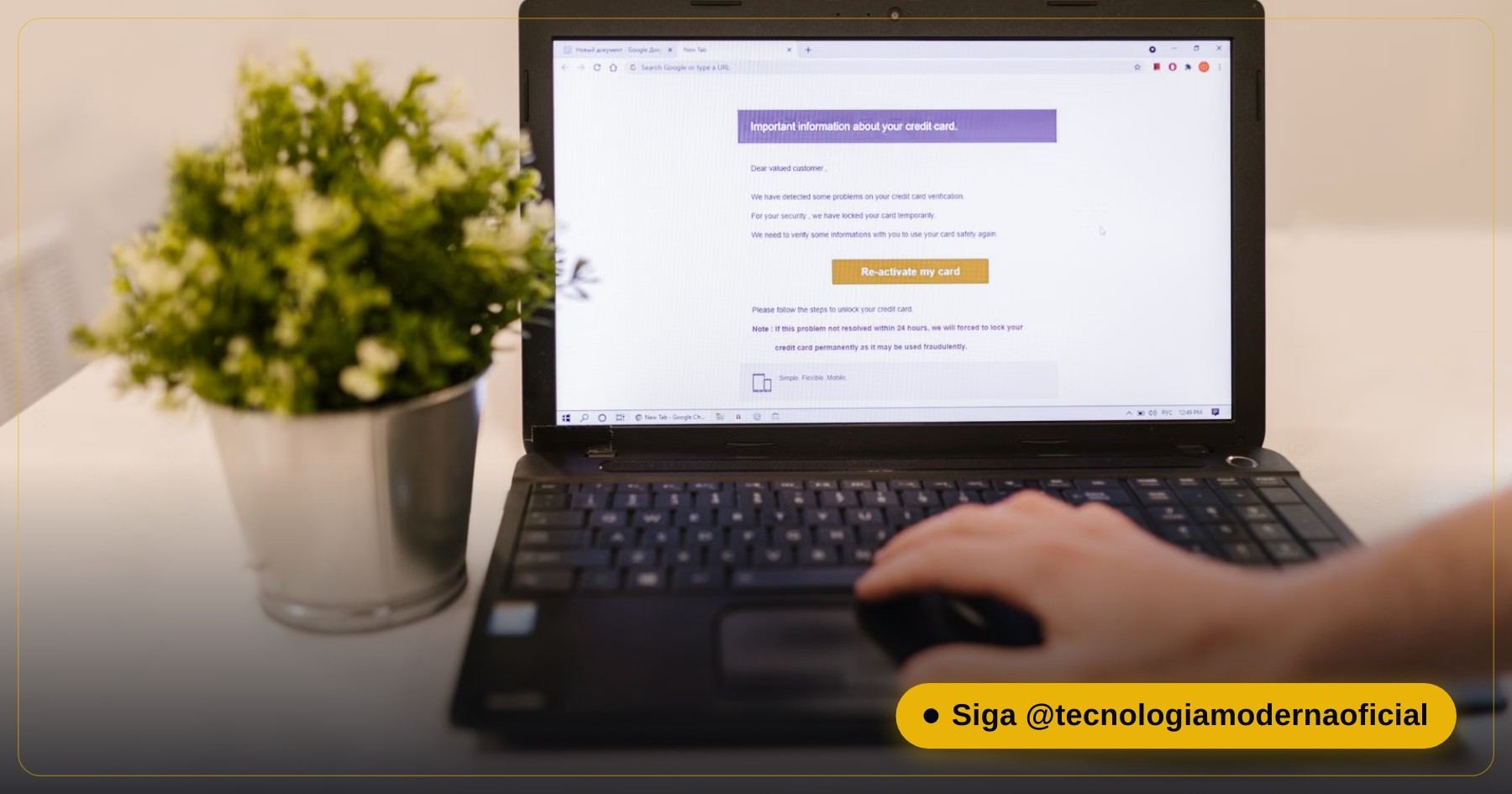
A scammer doesn’t need to break into your computer if you open the door yourself. A fake invoice by email, a “receipt” on WhatsApp, pirated software, an “update” from some random site, a game crack: they all depend on one single gesture from you — the double-click.
The good news is that Windows already has, for free, almost everything you need to investigate a file before opening it. In this guide you’ll learn 6 checks, from the simplest to the most technical. In most cases, the first two already expose the scam.
🔤 Show Files’ Real Extensions
By default, Windows hides file extensions. That enables an old trick: a file named invoice.pdf.exe shows up as invoice.pdf, with a PDF icon drawn by the scammer. Fix it in 10 seconds:
- Open File Explorer.
- Click View → Show → File name extensions (on Windows 10: View tab → tick File name extensions).
| Extension | What it is | Risk if you weren’t expecting it |
|---|---|---|
| .exe, .msi, .scr, .com | Programs and installers | 🔴 High |
| .bat, .cmd, .ps1, .vbs, .js | Scripts that run commands | 🔴 High |
| .lnk | A shortcut — can trigger hidden commands | 🔴 High when it arrives by email or inside a ZIP |
| .iso, .img, .zip, .rar | Files that “wrap” other files | 🟠 Medium: the danger is what’s inside |
| .docm, .xlsm | Documents with macros | 🟠 Medium: never click “Enable content” |
| .pdf, .jpg, .png, .txt | Documents and images | 🟢 Low, if the extension really is that |
🧭 Where Did This File Come From?
| Question | Red flag |
|---|---|
| Was I expecting this file? | An attachment out of nowhere, even from someone you know (accounts get hacked) |
| Did I download it from the official site? | A look-alike site, a sponsored ad at the top of search results, a shortened link |
| Does the message create urgency? | “Your account will be blocked today”, “final notice”, “pay within 1 hour” |
| Does the file ask you to turn off the antivirus? | Practically a confession of malware |
| Is it paid software “unlocked for free”? | Cracks and activators are the #1 way viruses get in |
To check whether the site you downloaded from is trustworthy, follow how to know if a site is trustworthy. And if the file came by email, it’s worth reviewing how to spot fake emails.
✍️ Digital Signature: Who Made This Program?
Programs from serious companies are digitally signed: it’s like a seal proving who published the file and that it wasn’t altered afterwards. There are two ways to see it.
From the menu: right-click the file → Properties → Digital Signatures tab. If there’s no such tab, the file isn’t signed.
With PowerShell (replace the path with your file’s):
Get-AuthenticodeSignature "$env:USERPROFILE\Downloads\installer.exe" | Format-List Status, SignerCertificate
| Status | What it means |
|---|---|
| Valid + the right company name | ✅ Signed and intact — check that the name matches the maker |
| NotSigned | ⚠️ Unsigned: common for small programs, but needs more care |
| HashMismatch | 🔴 The file was altered after signing — don’t run it |
| Valid but a strange name | 🟠 Signed by another company; scammers buy certificates too |
🔢 Hash: the File’s “Fingerprint”
A hash is a code calculated from every byte of the file. If a single byte changes, the hash changes completely. Many official sites (Linux, open-source programs, drivers) publish the SHA-256 hash next to the download precisely so you can check it:
Get-FileHash "$env:USERPROFILE\Downloads\installer.exe" -Algorithm SHA256Compare the result with the hash published on the official site. If it’s identical, the file you have is exactly what the developer published — it wasn’t swapped along the way or by a malicious mirror site.
🛡️ Scanning with Microsoft Defender
The quickest way: right-click the file → Show more options (on Windows 11) → Scan with Microsoft Defender. From the terminal, you can force a scan of a specific file or folder:
& "$env:ProgramFiles\Windows Defender\MpCmdRun.exe" -Scan -ScanType 3 -File "$env:USERPROFILE\Downloads"
First, update the definitions to make sure Defender knows the latest threats:
Update-MpSignatureWindows also has SmartScreen: that blue “Windows protected your PC” warning. It appears for little-known downloaded files. Clicking “Run anyway” is your call — but only do it if the previous checks passed.
🌐 VirusTotal: 70 Antivirus Engines at Once (With One Caveat)
VirusTotal (virustotal.com, owned by Google) scans a file with dozens of antivirus engines at the same time. It’s an excellent second opinion — but there’s a privacy detail few people know:
- Calculate the file’s SHA-256 hash (Check 4).
- On VirusTotal, click Search and paste the hash.
- If someone has already analyzed the file, the result appears without you uploading anything.
- Only upload the file itself if it contains nothing about you (a downloaded installer, for example).
| Result | How to read it |
|---|---|
| 0 detections on a very well-known file | ✅ Good sign |
| 1 or 2 detections from little-known engines | 🟠 Could be a false positive — look at the detection names |
| Several detections, including big names (Microsoft, Kaspersky, ESET…) | 🔴 Don’t run it |
| “Never seen” (hash not found) | 🟠 A rare or new file — more caution, not less |
📦 ZIP, ISO and Office Documents
- A password-protected ZIP or RAR by email: a classic trick to stop the antivirus from seeing the contents. The password comes in the message body. Be very suspicious.
- An ISO or IMG received by email: double-clicking “mounts” it as a disk; inside there’s usually an .lnk or .exe. Serious companies don’t send invoices as ISOs.
- Word or Excel asking you to “Enable editing” and “Enable content”: the yellow bar is protecting you. Malicious macros only run if you click.
- A PDF asking you to download a “viewer”: PDFs open in any browser; the “viewer” is the malware.
📱 And on Your Phone? Double Care with APKs
On Android, the equivalent of an .exe is the .apk. Scammers send APKs by WhatsApp and SMS pretending to be an “updated bank app”, a “receipt”, a “parcel tracker” or a “tax agency app”. Installing one can hand over control of your phone — including your banking apps.
| Situation | What to do |
|---|---|
| You received an .apk by message | Delete it. Legitimate apps come from the Play Store (or the manufacturer’s official store) |
| The phone asks to “allow installs from unknown sources” | Deny — that’s exactly what the scam needs |
| An app asks for Accessibility access for no reason | Deny: that access lets it read the screen and tap by itself |
| On iPhone, you’re asked to install a “profile” | Don’t install profiles from people you don’t know |
If your bank really needs you to update the app, the update appears in the Play Store or App Store itself — never through a link sent by message. The same logic applies to QR codes that lead to downloads: see the QR code scam.
🆘 I Opened a Suspicious File: What to Do Now
- Disconnect from the internet (unplug the cable or turn off Wi-Fi) to cut the malware’s communication.
- Run Defender’s offline scan, which restarts the PC and looks for threats before Windows loads:
Start-MpWDOScan- From another trusted device, change your email, bank and social media passwords.
- Turn on two-step verification wherever you don’t have it yet.
- Check whether strange programs appeared at startup — see how to disable startup programs.
If there are signs of remote access or logins you don’t recognize, follow how to find spyware by its connections. And next time, test first in the Windows Sandbox.
📌 The 6 Checks in One Place
| # | Check | Tool | Time |
|---|---|---|---|
| 1 | Real extension | Explorer → View → Extensions | 10 s |
| 2 | Origin and context | Common sense | 30 s |
| 3 | Digital signature | Get-AuthenticodeSignature | 30 s |
| 4 | Hash | Get-FileHash | 30 s |
| 5 | Local antivirus | Microsoft Defender | 1 min |
| 6 | Second opinion | VirusTotal (by hash) | 1 min |
📖 Quick Glossary
| Term | Meaning |
|---|---|
| Extension | The letters after the last dot in a file name, which say its type |
| Digital signature | A cryptographic seal identifying who published the program |
| Hash (SHA-256) | A unique code calculated from the file’s contents |
| SmartScreen | Windows protection that warns about little-known files and sites |
| Macro | A small program inside Office documents — can be abused by scammers |
| False positive | When an antivirus flags a file that is actually safe |
FAQ
How do I see a file’s real extension?
In File Explorer, go to View, Show and tick File name extensions. That way a file named invoice.pdf.exe shows its full name.
Is VirusTotal safe?
It’s reliable, but uploaded files become accessible to security researchers. Don’t upload personal documents; search by hash instead.
How do I calculate a file’s hash on Windows?
In PowerShell, use Get-FileHash followed by the file path and -Algorithm SHA256. Compare the result with the hash published on the official site.
Is a file without a digital signature a virus?
Not necessarily. Many small free programs aren’t signed. But the lack of a signature calls for more checks before running it.
Can a PDF have a virus?
PDFs can exploit flaws in outdated readers, but the most common scam is a file that looks like a PDF but is actually an .exe. Show extensions and keep your reader updated.
Why is a password-protected ZIP suspicious?
Because the password stops the email antivirus from scanning the contents. Scammers use this to slip malicious files through.
I opened a suspicious file. Now what?
Disconnect from the internet, run Defender’s offline scan with Start-MpWDOScan and change important passwords from another device.
Is Microsoft Defender enough?
For most people, yes, as long as it’s up to date. The checks in this guide are an extra layer before opening doubtful files.
🎮 How much did you learn?
Once you pick an answer it locks in — reload the page to try again.
1. What is the file invoice.pdf.exe?
2. Which command shows who signed a program?
3. What is a SHA-256 hash for?
4. What’s the caveat when using VirusTotal?
5. What’s the first step after opening a suspicious file?
Esse conteúdo ajudou você?
Compartilha com alguém que também vai curtir — é rapidinho e ajuda muito o nosso trabalho a chegar em mais gente.
Conhecimento só tem valor quando compartilhado.
Manter essa estrutura de laboratórios funcionando e produzir conteúdos de engenharia de forma totalmente gratuita e acessível exige tempo e dedicação diária à bancada. Esse guia salvou os seus arquivos? Você pode contribuir diretamente para manter o nosso trabalho independente forte. Apoie doando qualquer valor!
Quer apoiar a nossa bancada independente?
[email protected]